




Disclaimer: As an Amazon Influencer, I earn from qualifying purchases. This means that at no additional cost to you.
Sharing your internet password with guests can feel annoying, especially when the password is long or complicated. That is why a WiFi QR Code Sign is such a smart and simple solution. Instead of typing passwords manually, your guests can instantly connect to your WiFi by scanning a qr code with their phone camera.
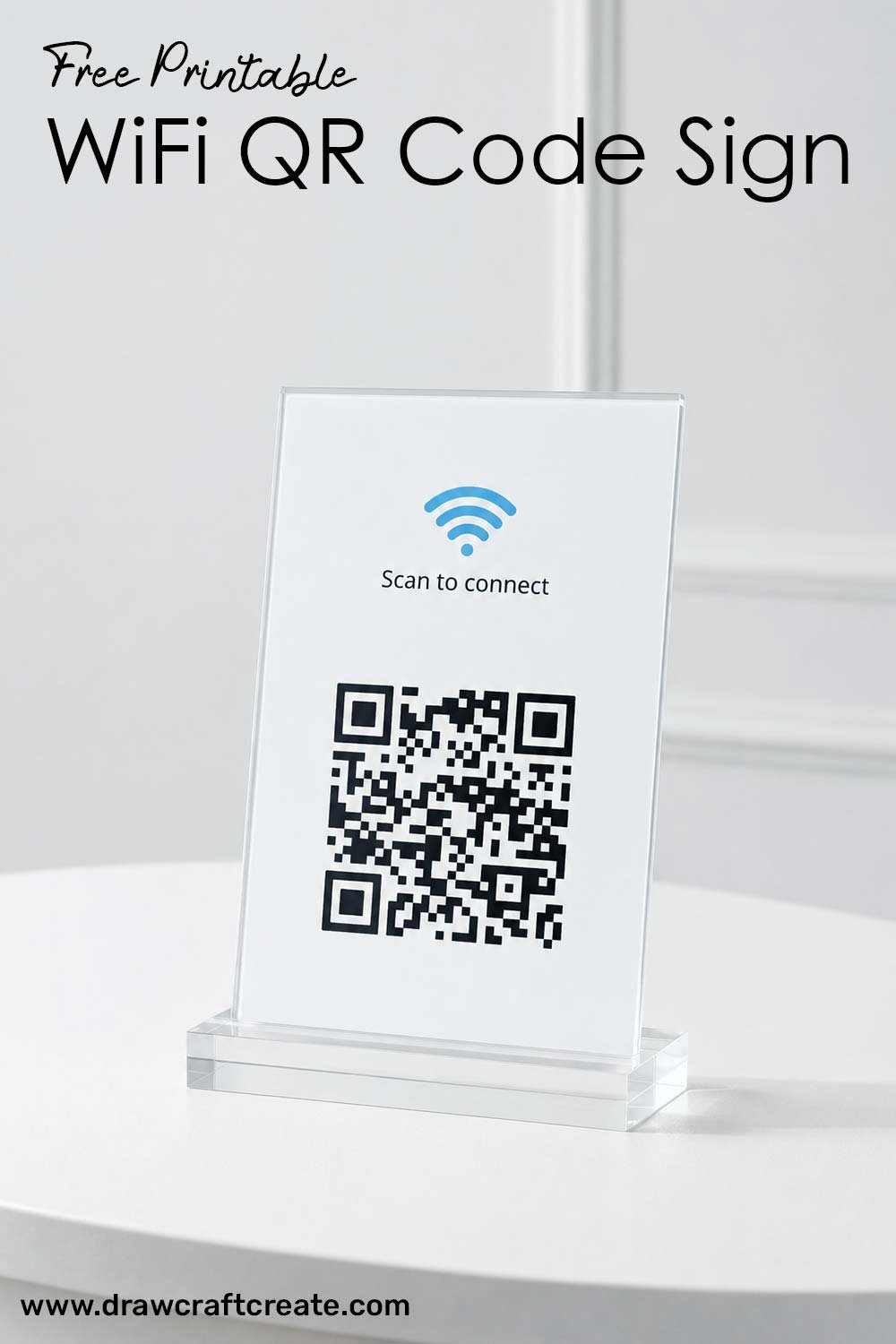
In this article, we provide 3 free printable WiFi QR Code Sign Template designs that you can easily edit in Canva for free. Every design is clean, modern, and professional, making them perfect for homes, Airbnb rentals, cafes, offices, shops, classrooms, and events. Our printable templates are beginner friendly and fully customizable, so you can edit the text and replace the wifi qr code image in just a few minutes.
If you love editable printable designs, you may also like our Wifi Sign Canva Template, Notes template, First Day Of School Sign, and Cornell Notes Template collections for more printable resources.
Free Printable WiFi QR Code Sign Template
Our free printable WiFi QR Code Sign collection includes 3 different stylish designs that are easy to personalize in Canva. Each template comes with a unique layout, allowing you to choose the style that best matches your space or brand aesthetic.
What’s Included?
- 3 editable WiFi QR Code Sign designs
- Fully customizable Canva templates
- Easy drag and drop qr code editing
- Professional and clean layouts
- US Letter Size format (8.5 x 11 inches)
- 2 printable cards included on every page
Because each page includes two cards, you can print one page and cut it in half to create two separate WiFi signs. This saves paper and makes printing more convenient.
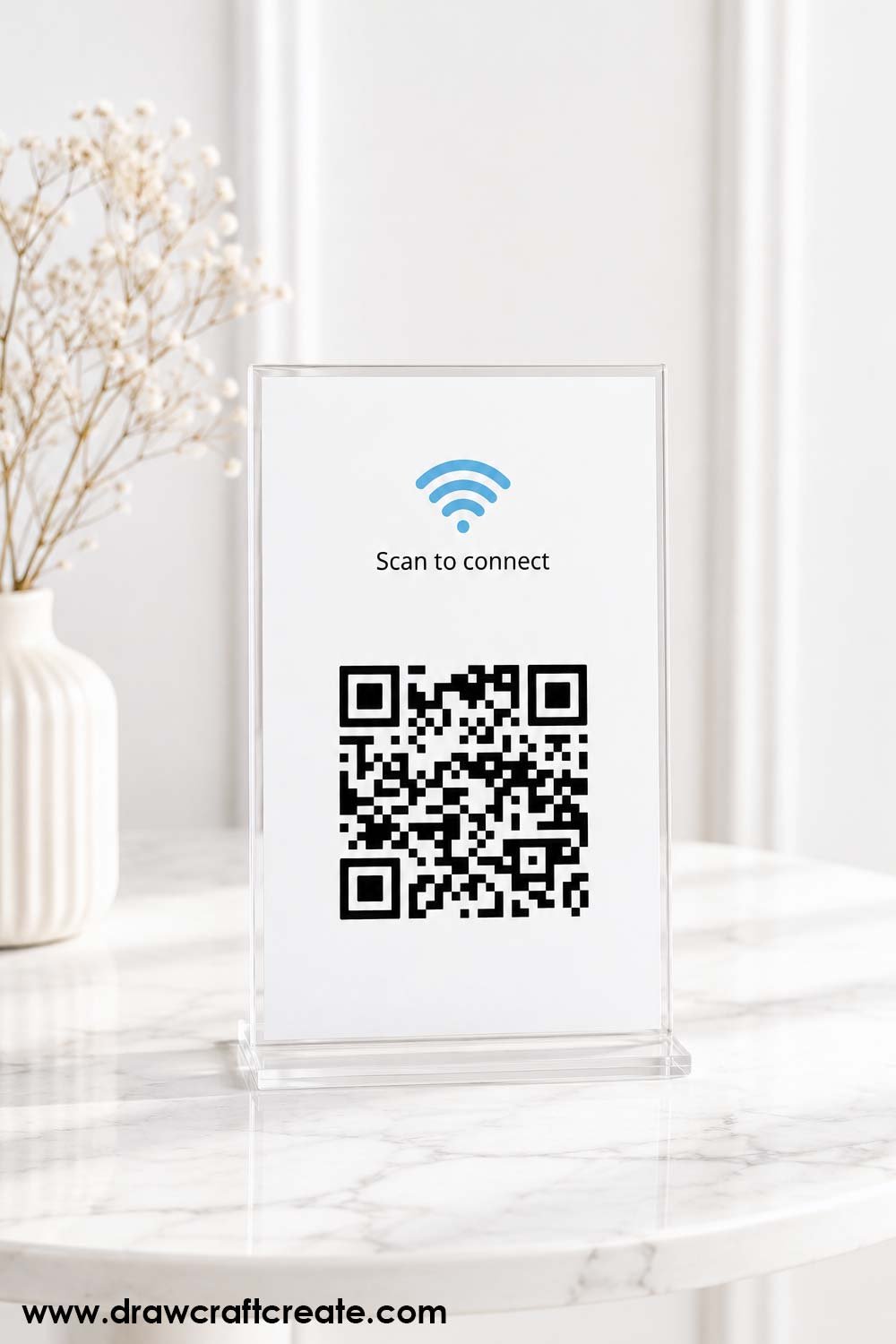
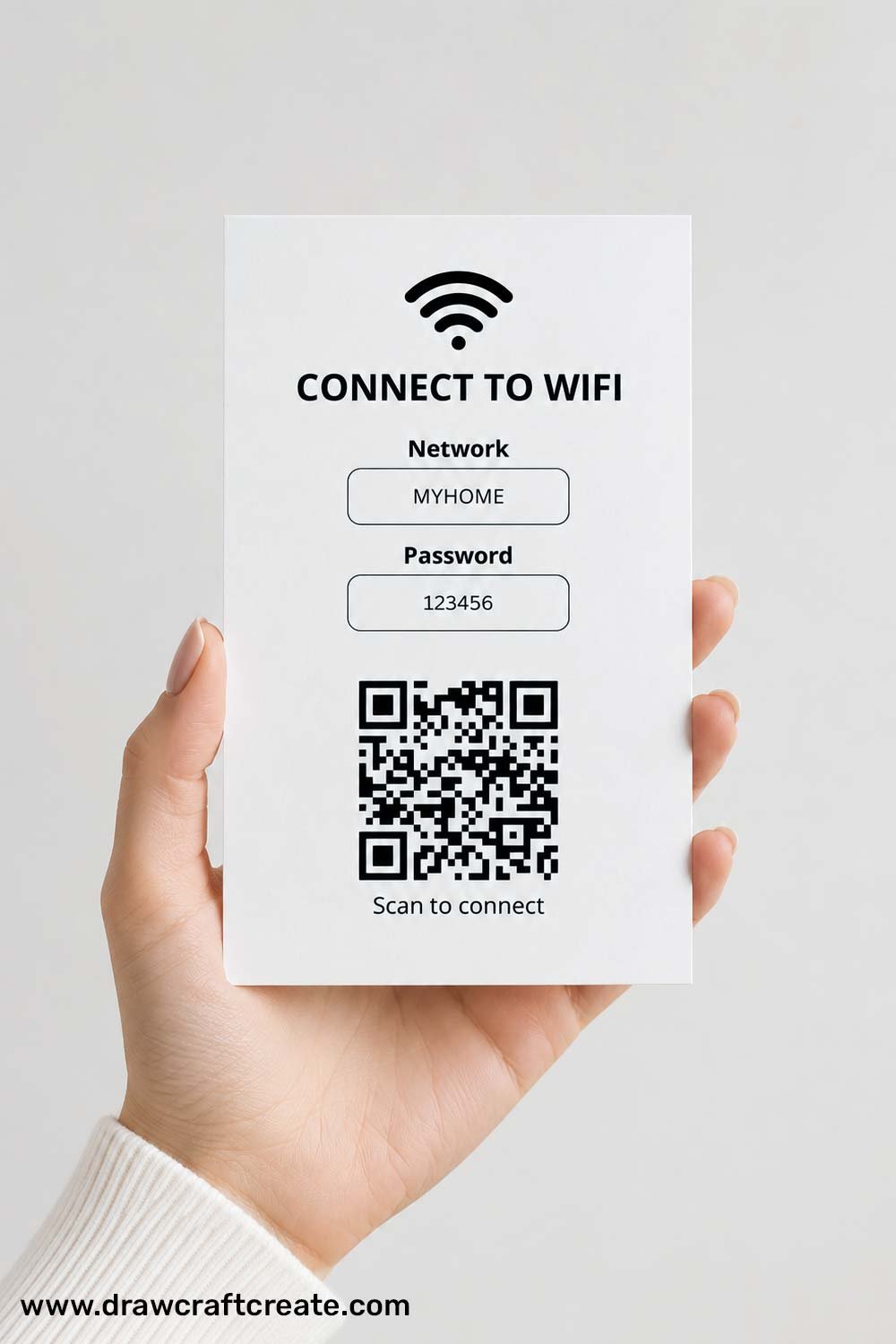
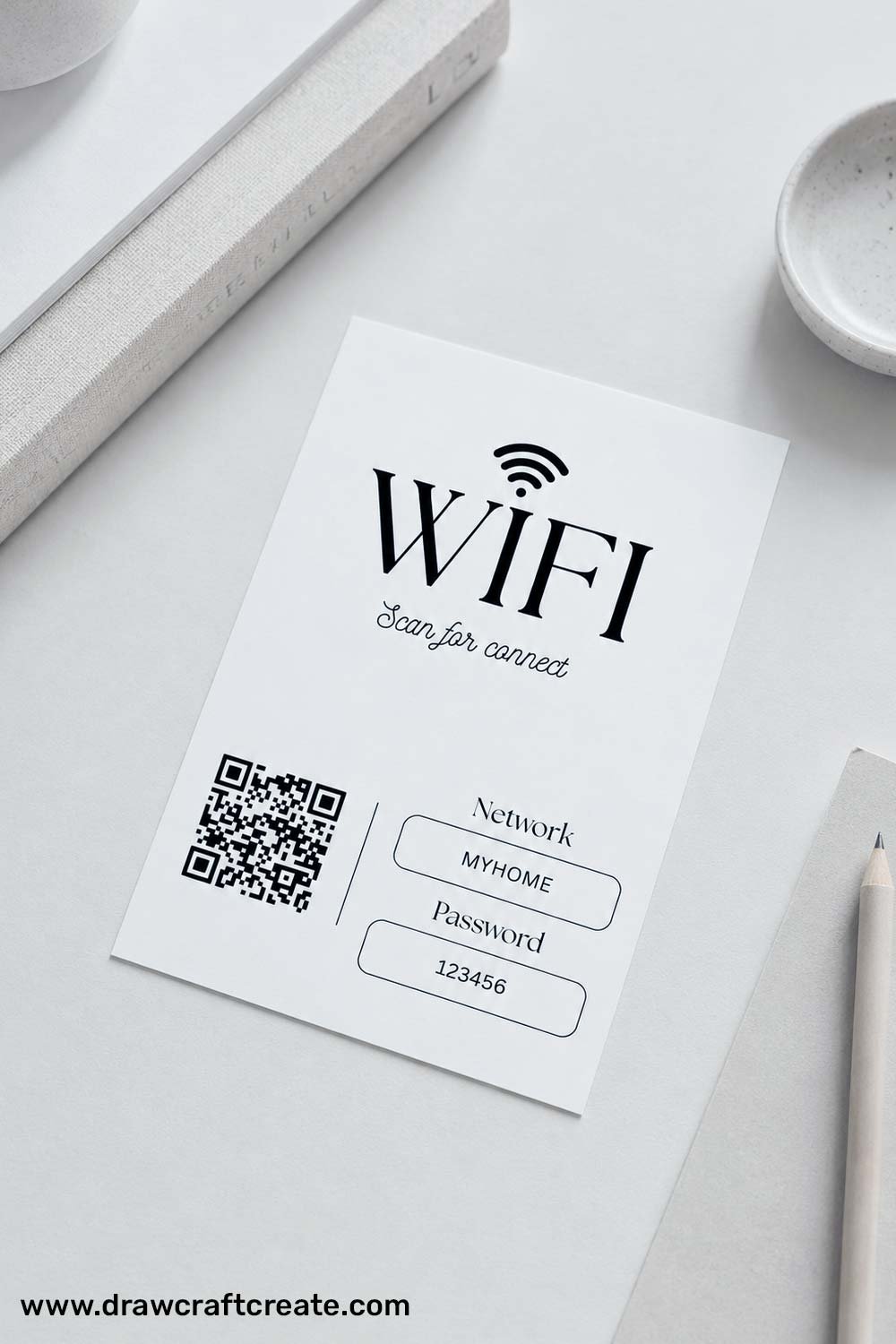
You can easily:
- Change the WiFi name
- Edit the password text
- Replace the qr code image
- Customize fonts and colors if needed
These templates are perfect for:
- Airbnb hosts
- Coffee shops
- Restaurants
- Offices
- Home guest rooms
- Wedding receptions
- Small businesses
- Classrooms
How To Use This Template
Using our editable wifi qr code template is very simple, even if you are new to Canva.
Step 1: Open the Canva Template Link
Click the Canva template link provided in the download section.
Step 2: Make a Copy
Go to File and select Make a Copy to save the template to your own Canva account.
Without making a copy, you cannot edit the template.
Step 3: Upload Your QR Code
Generate your WiFi qr code image and upload it to Canva using the Uploads section.
Then drag your qr code image onto the placeholder image in the template.
Step 4: Change the Text
Edit the WiFi name, password, or any other text you want.
Step 5: Download and Print
Download the final design as a PDF file and print it at home or through a local print shop.
Video Tutorial
You can watch a full tutorial video for a better understanding of how to edit and use the template.
How To Create Free WiFi QR Code
Creating a free wifi qr code only takes a few minutes. Follow these simple steps:
Step 1: Visit the official website below:
Step 2: Type your WiFi network name.
Step 3: Enter your WiFi password.
Step 4: Select your encryption type.
Step 5: Choose your favorite qr code design style.
Step 6: Download the qr code in PNG or JPG format.
After downloading, upload the image into our Canva template and your printable sign will be ready.
Why You Need WiFi QR Code Sign Template
A WiFi QR Code Sign makes internet access fast, easy, and convenient for everyone. Instead of repeatedly sharing your password, guests can simply scan the qr code and connect instantly.
Here are some great reasons to use a wifi qr code sign:
Easy Guest Access
Guests can connect to your internet in seconds without typing long passwords.
Looks Professional
A clean printed WiFi sign adds a modern and organized touch to your home or business.
Perfect for Airbnb Hosts
Many Airbnb owners use wifi qr code signs to improve guest experience and reduce repetitive questions.
Saves Time
No more spelling out complicated passwords multiple times every day.
Great for Events
Perfect for weddings, parties, classrooms, cafés, and waiting rooms where many people need internet access quickly.
Conclusion
Our free printable WiFi QR Code Sign Template collection makes it easy to create beautiful and functional WiFi signs in minutes. With 3 editable Canva templates, clean professional designs, and simple customization options, you can quickly create printable signs for your home, office, Airbnb, cafe, or event space.
Simply add your wifi qr code, edit the text, download the file, and print it. It is a quick and stylish way to share your WiFi with guests effortlessly.

