

Disclaimer: As an Amazon Influencer, I earn from qualifying purchases. This means that at no additional cost to you.
Sharing your WiFi password does not have to be awkward, messy, or repeated a hundred times a day. With our Wifi Password Signs, you can display your network name and password clearly while keeping your space stylish and organized. Whether you are hosting guests, running a small business, or setting up a classroom, these signs make life easier in the simplest way.
In this article, we are sharing 16 different versions of Wifi Password Signs, all completely free to download and use. Each design is thoughtfully created to look clean, modern, and practical, so it fits perfectly into homes, offices, cafes, classrooms, and even Airbnb spaces.
Free Printable WiFi Password Signs
This is our main collection, and it is designed to give you flexibility and choice. We provide Wifi Password Signs in 16 unique designs, available in both landscape and vertical orientation. This means you can easily choose a layout that matches your wall space, frame size, or tabletop display.
Each design comes in two useful versions.
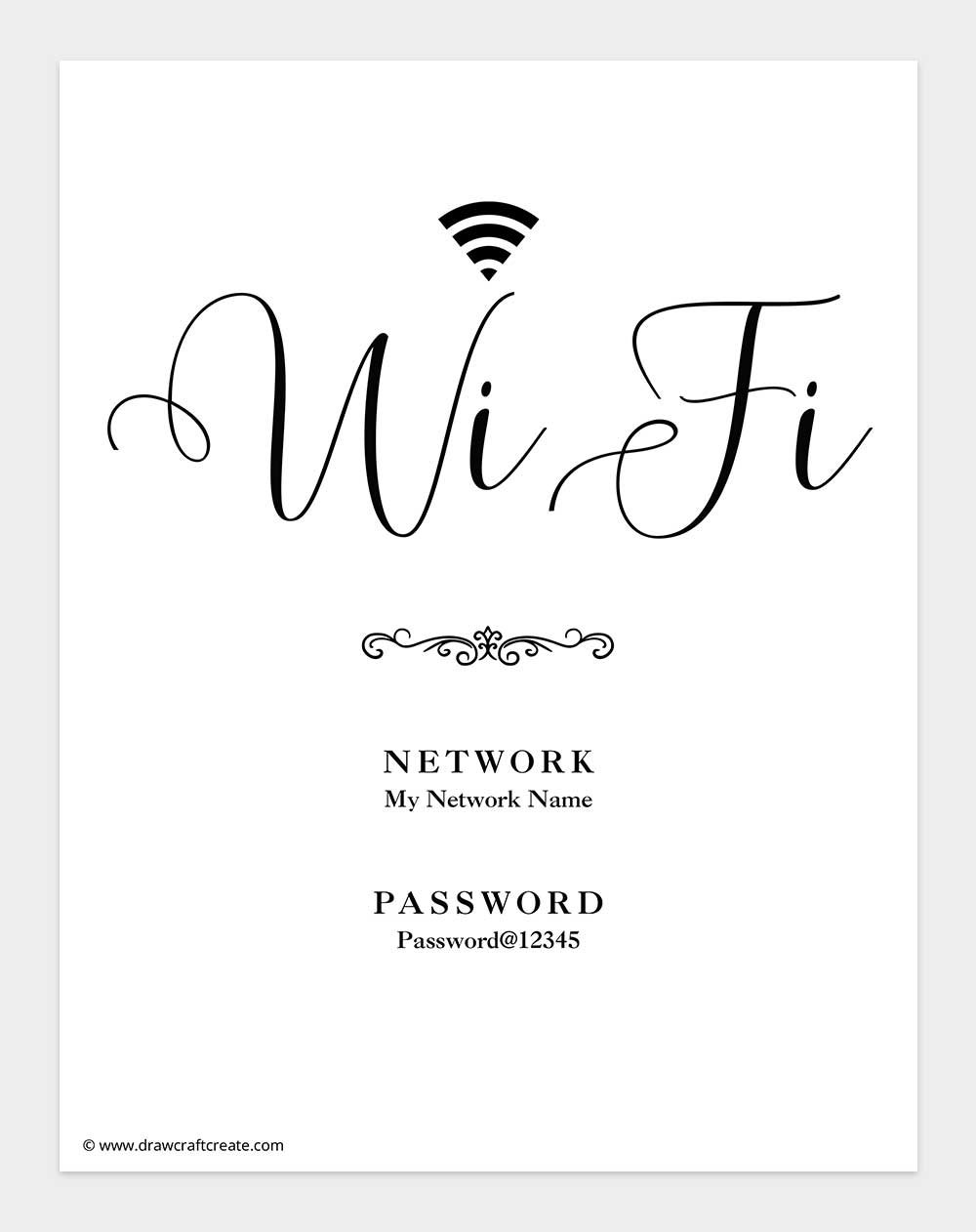
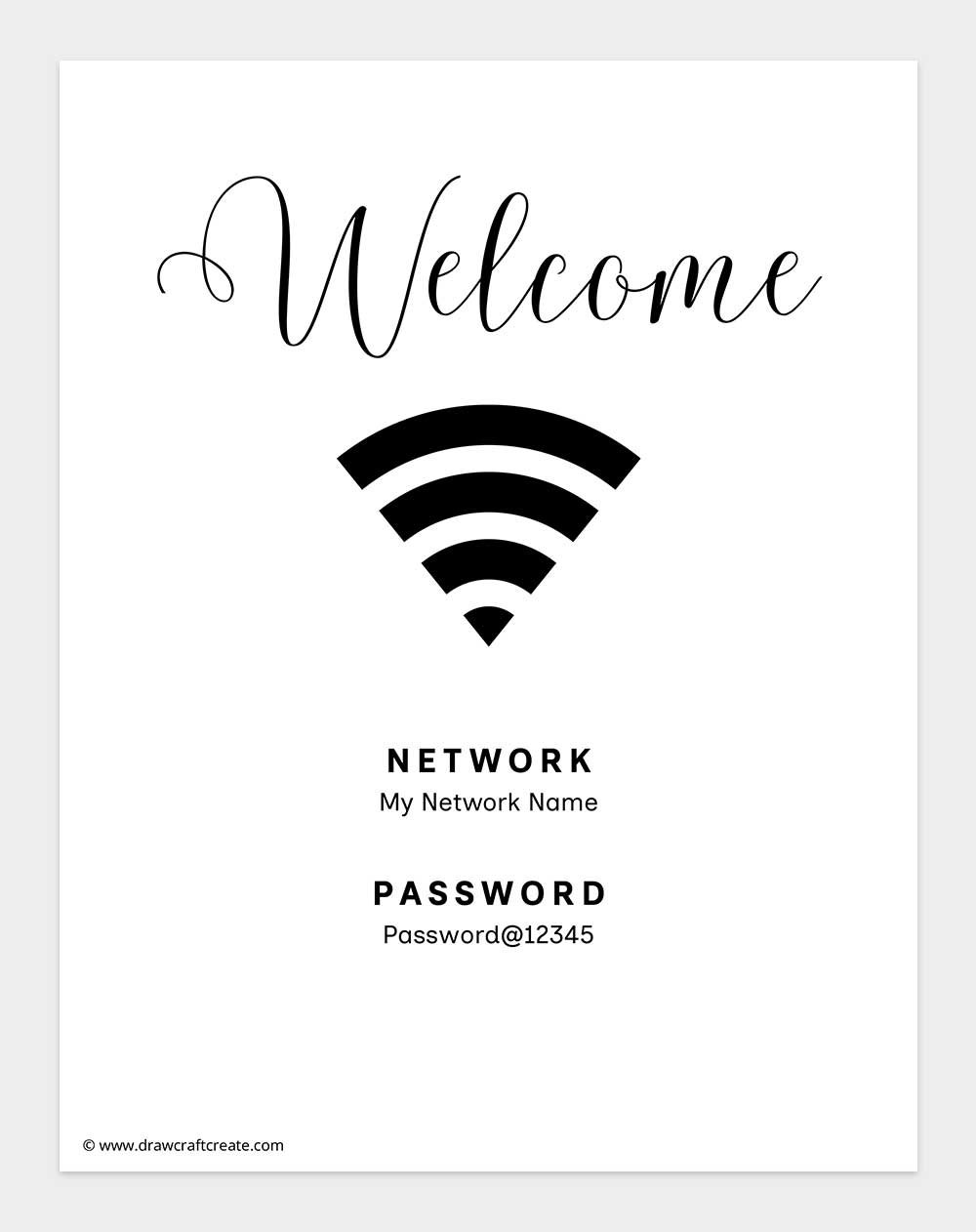
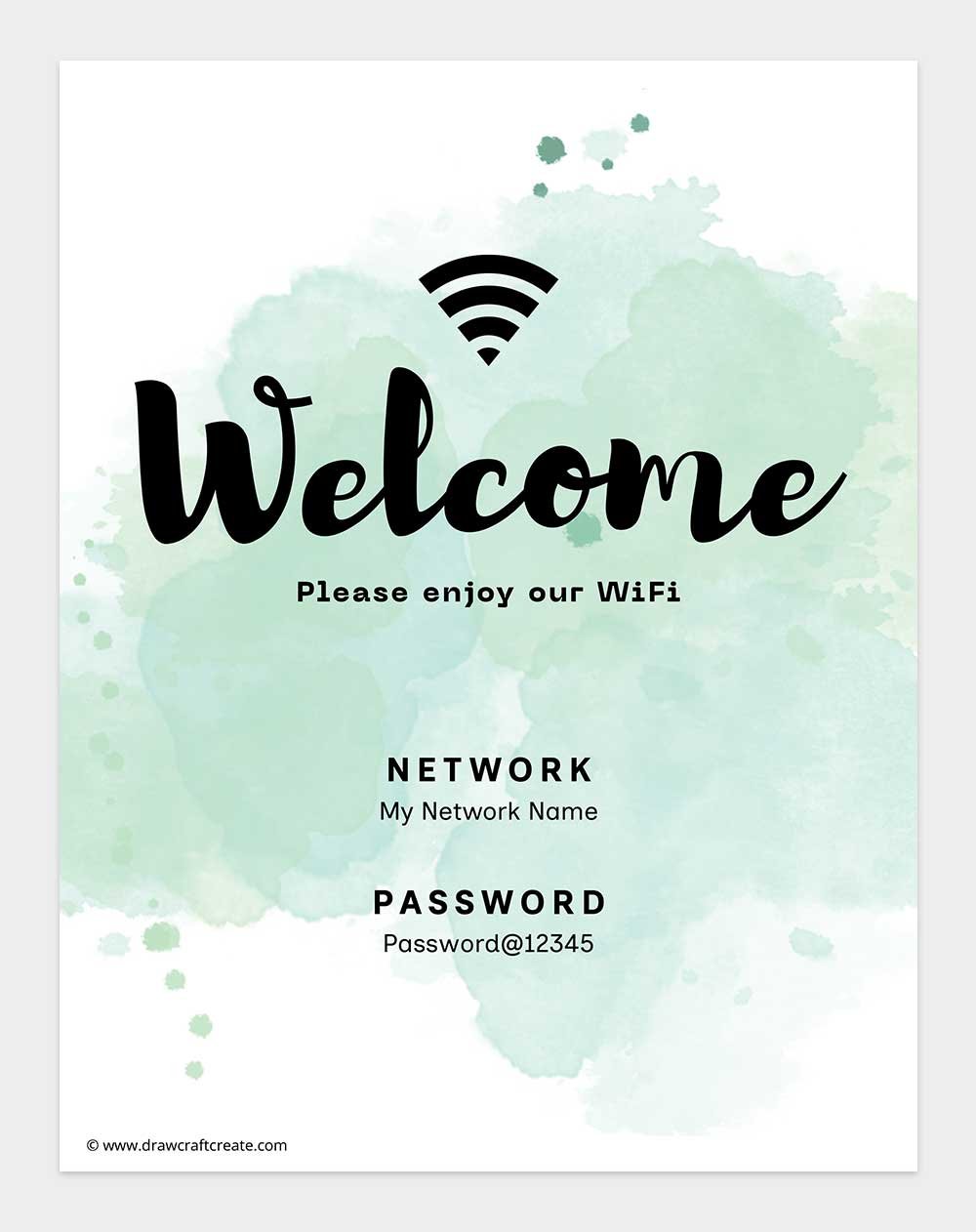
The first version is an Editable WiFi Password Sign created in Canva. In this version, you can easily edit the network name and password directly online before downloading. No design skills are needed, and you can customize it in just a few clicks.
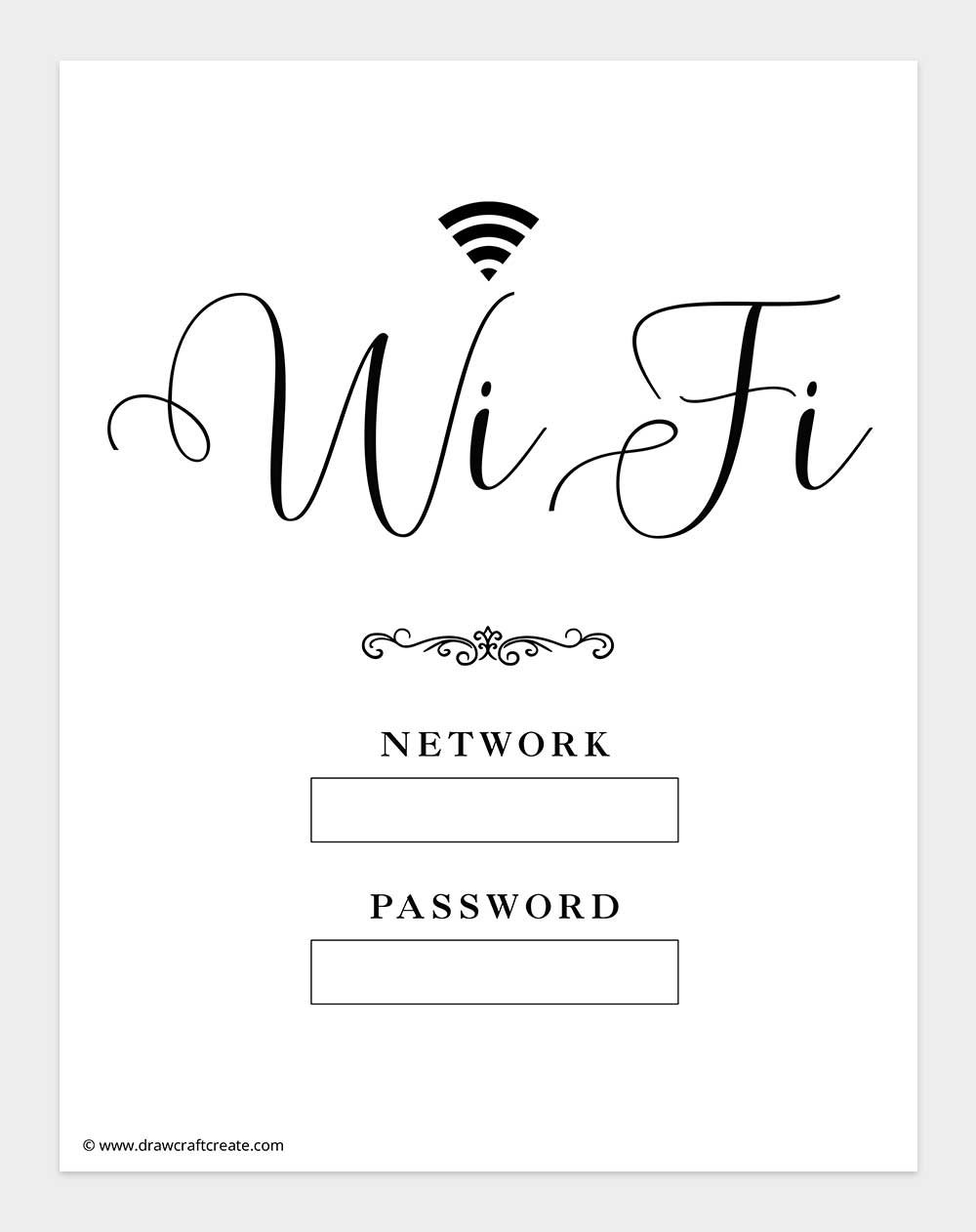
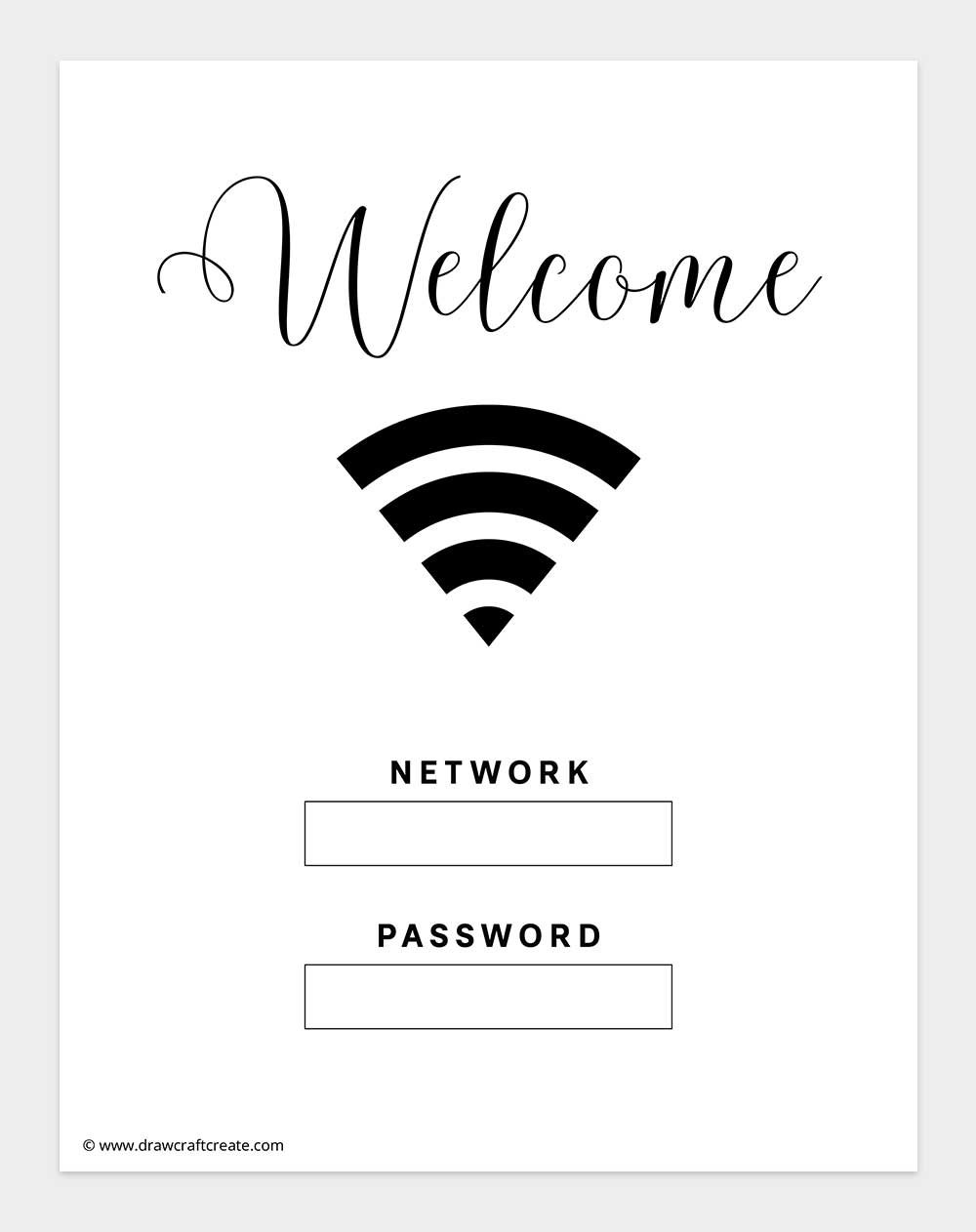
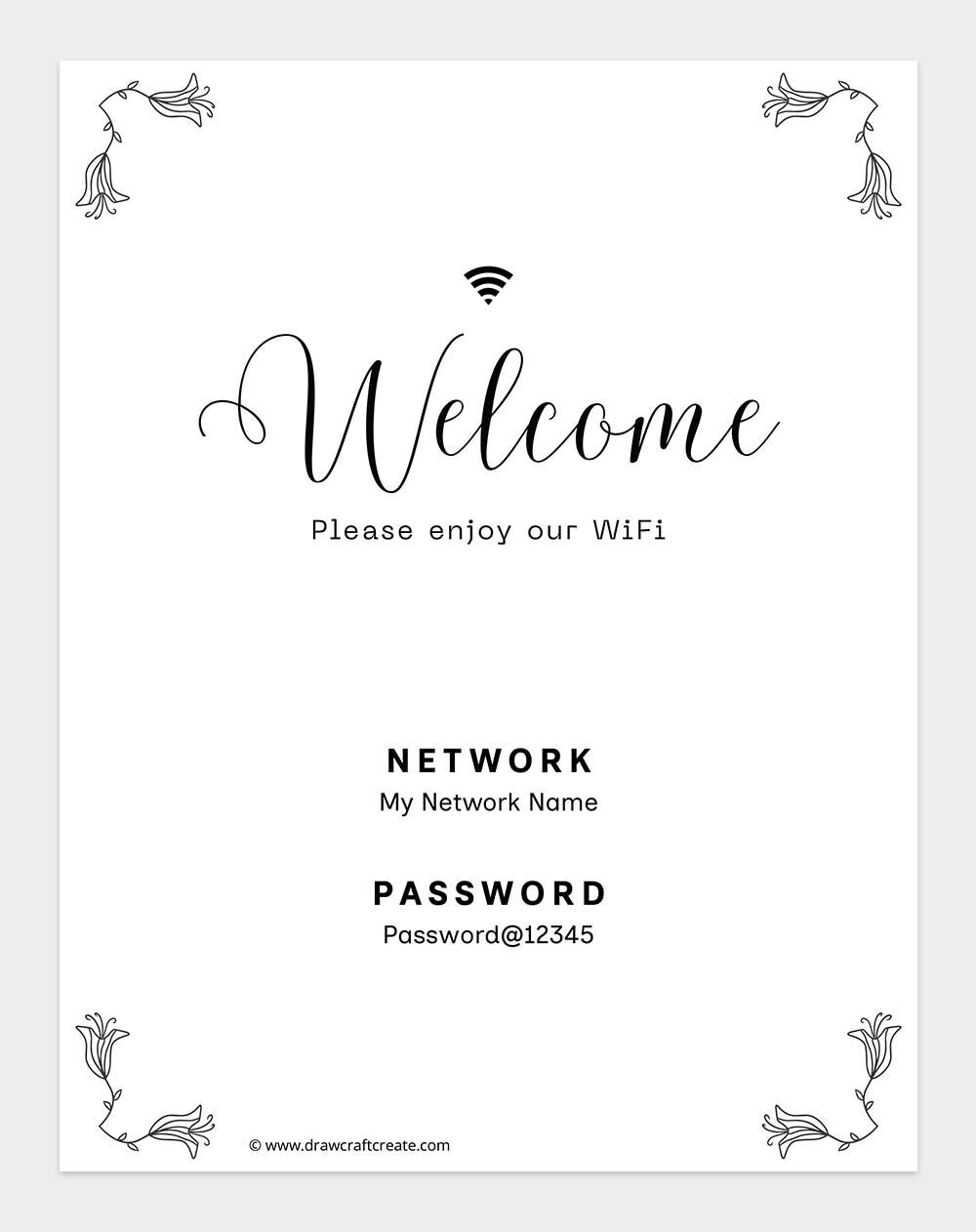
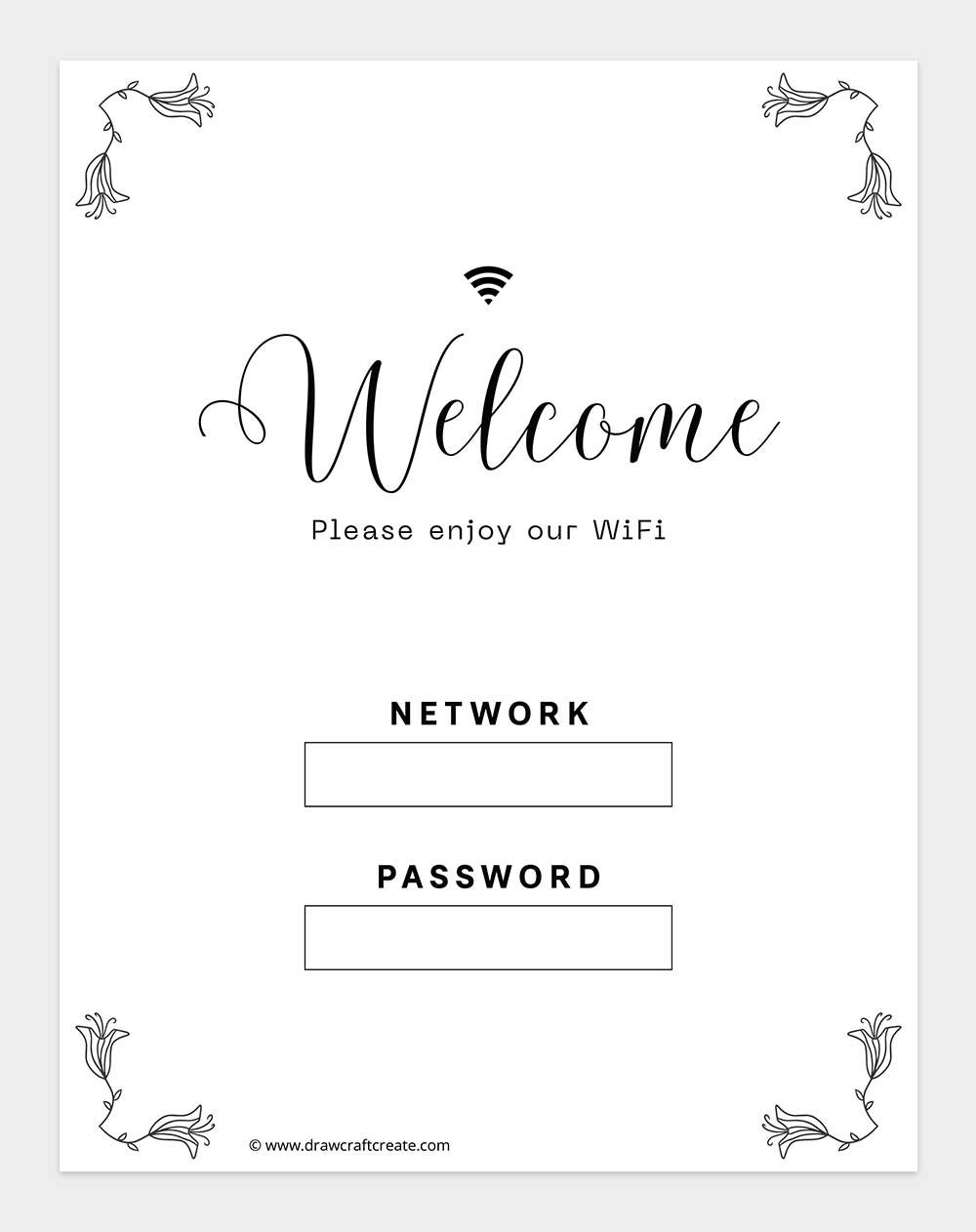
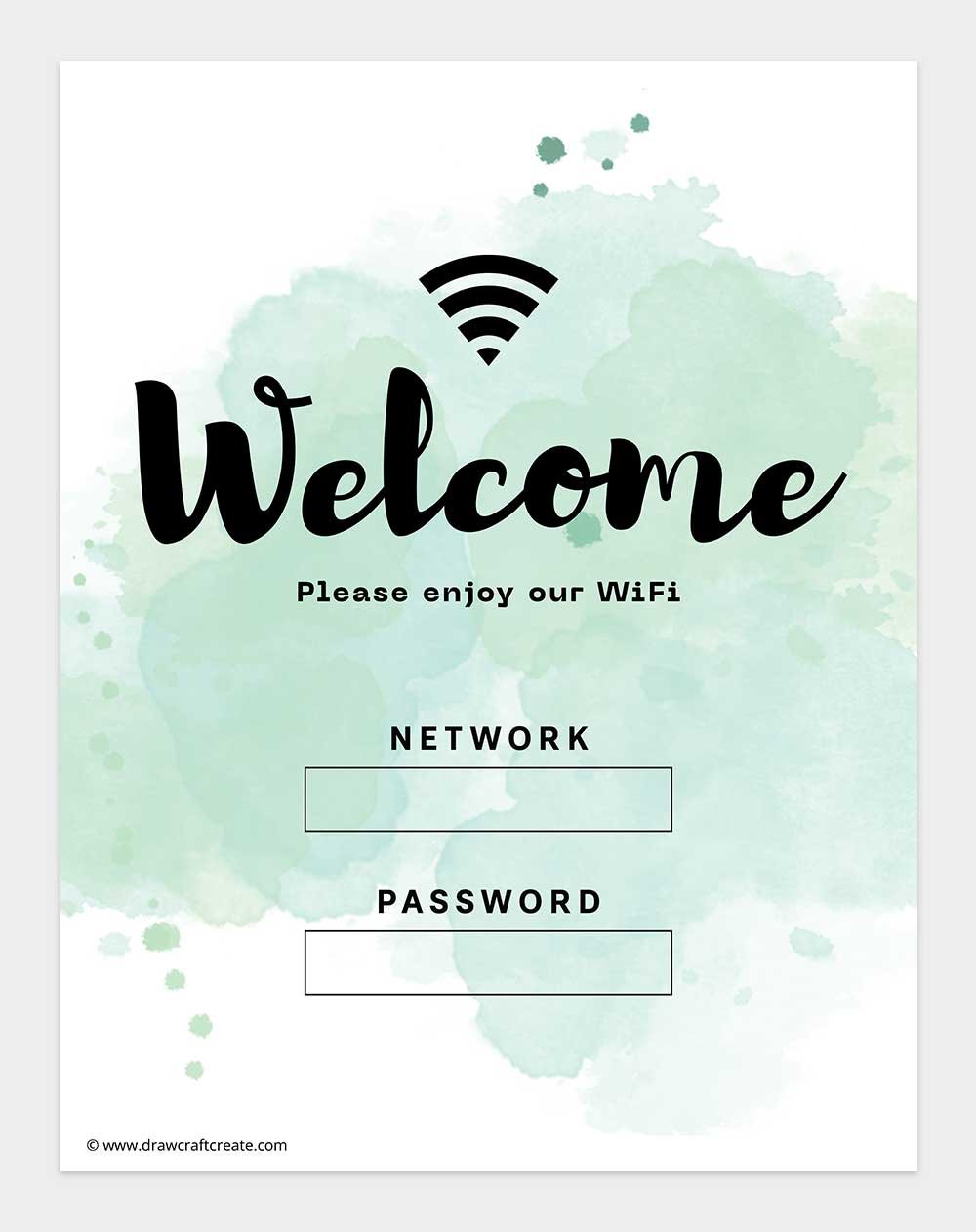
The second version is a printable WiFi Password Signs pdf with blank boxes. You can print it and neatly write your own network name and password by hand. This option is perfect if you prefer a quick setup or want to change passwords often.
All Wifi Password Signs are sized for US Letter paper and are available in both landscape and vertical formats. You can mix and match designs, choose your favorite style, and print as many as you need for different rooms or locations.
How to Edit Wifi Password Signs in Canva
Editing your Wifi Password Signs in Canva is simple and beginner friendly. We also provide a short video tutorial in this section so you can watch the full process and follow along step by step.
Step by Step Guide to Edit in Canva
Follow these simple steps to customize your Wifi Password Signs:
- Click on the Canva link provided with the sign
- Once the design opens, click on File at the top menu
- Select Make a copy to save the design to your own Canva account
- Edit any text such as Network Name and Password
- Adjust fonts or colors if you like, or keep the original design
- Click Share, then Download
- Choose PDF Print for best quality and print at home or professionally
You can edit these signs on desktop, tablet, or mobile using a free Canva account.
Printable WiFi Password Signs (Landscape Version)
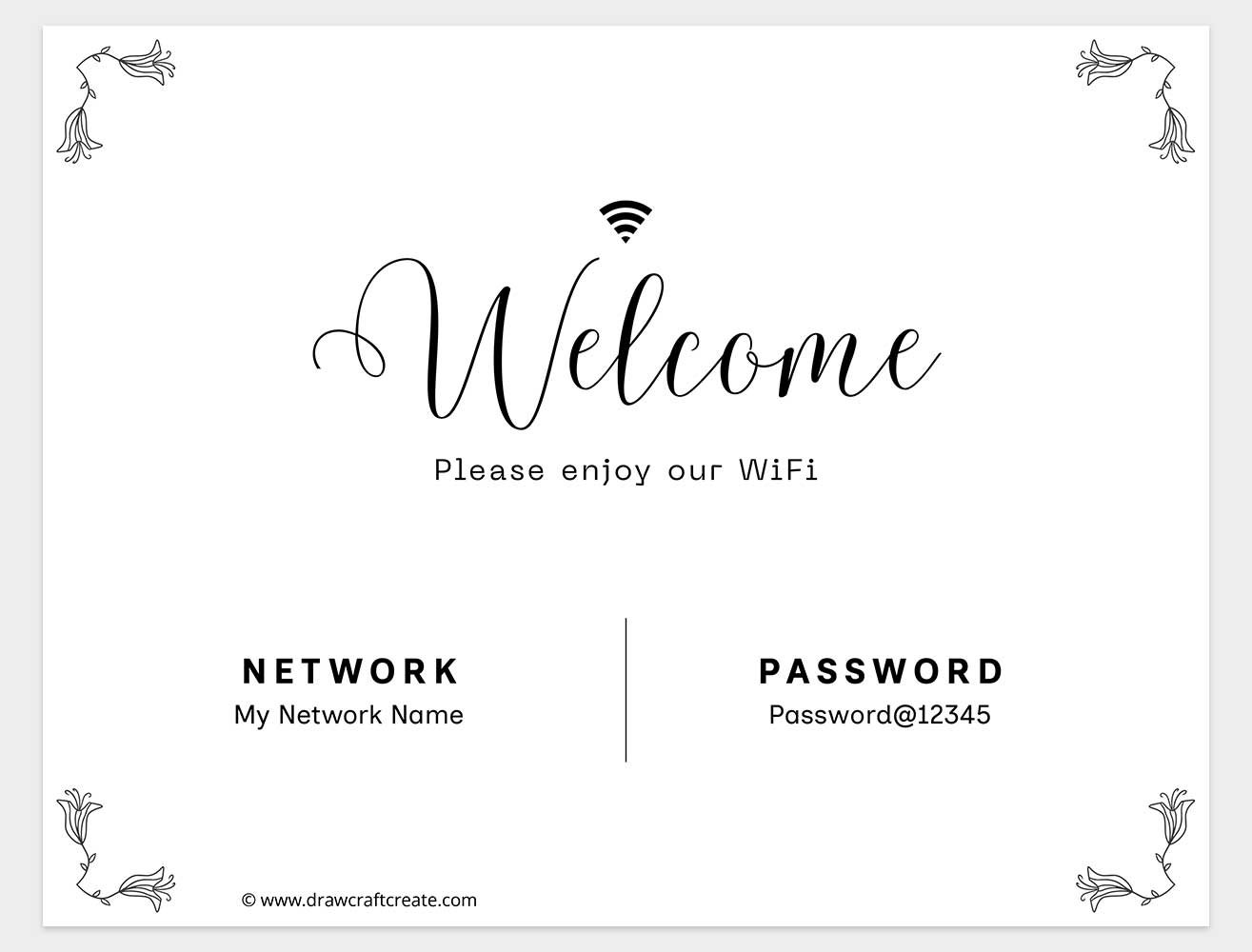
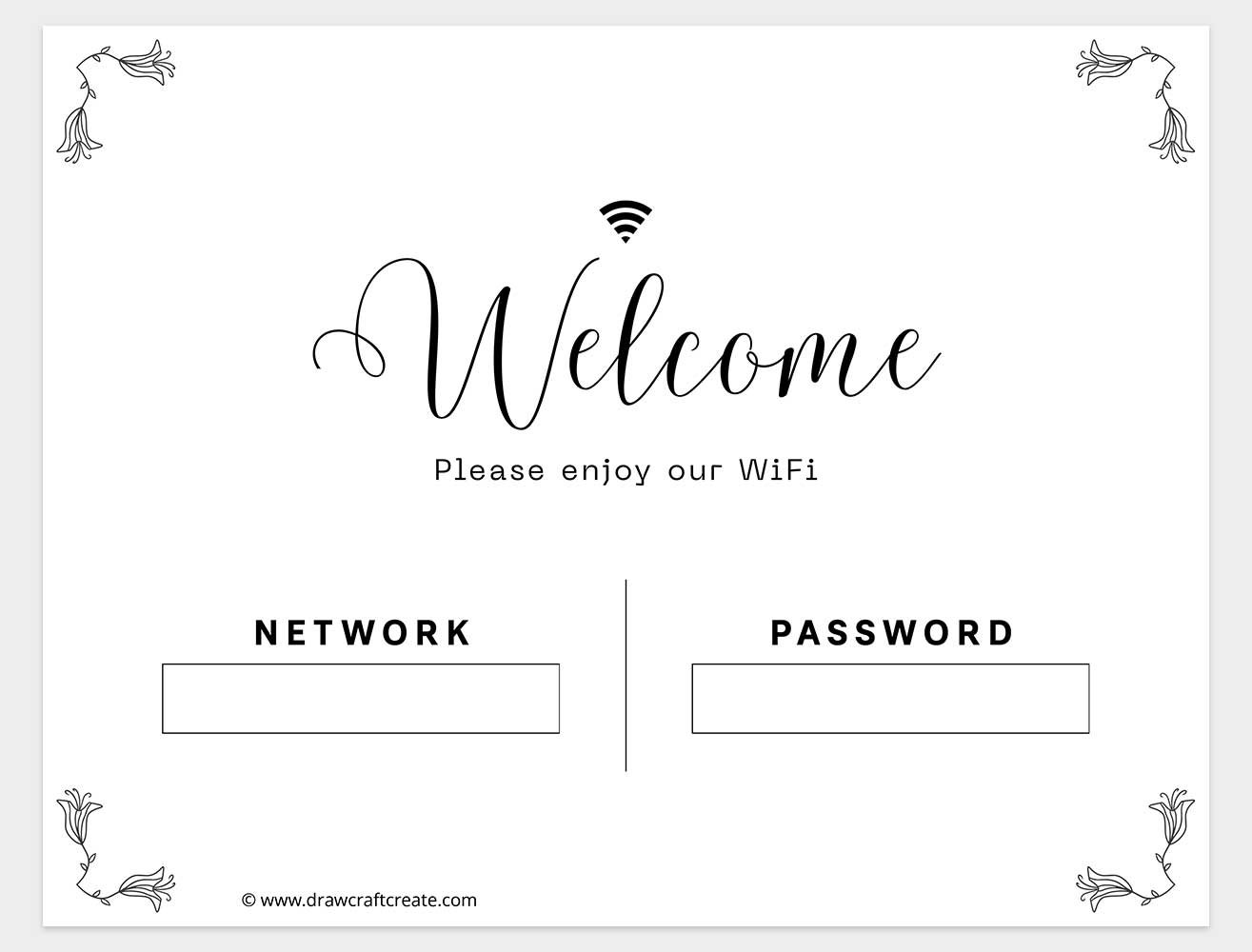
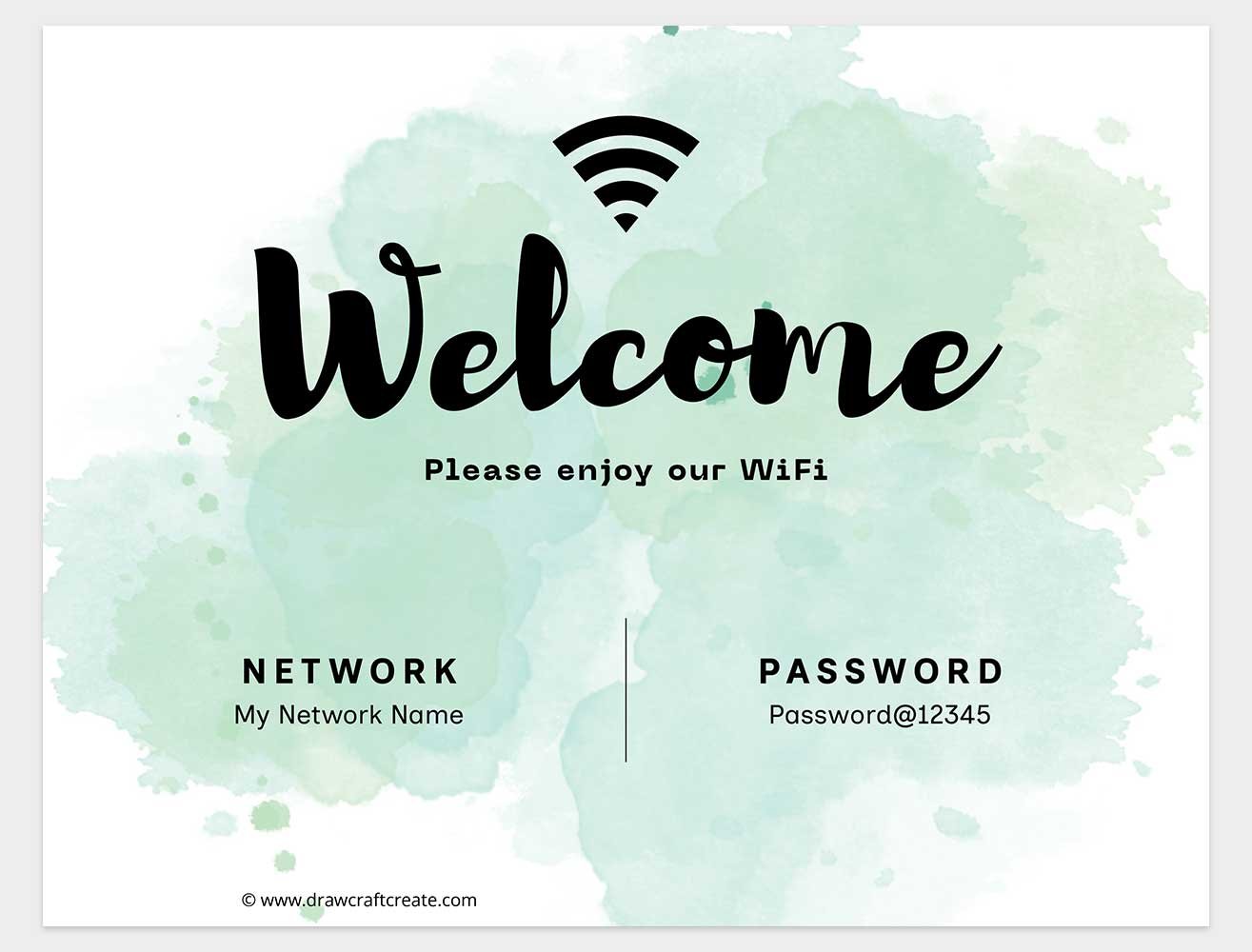
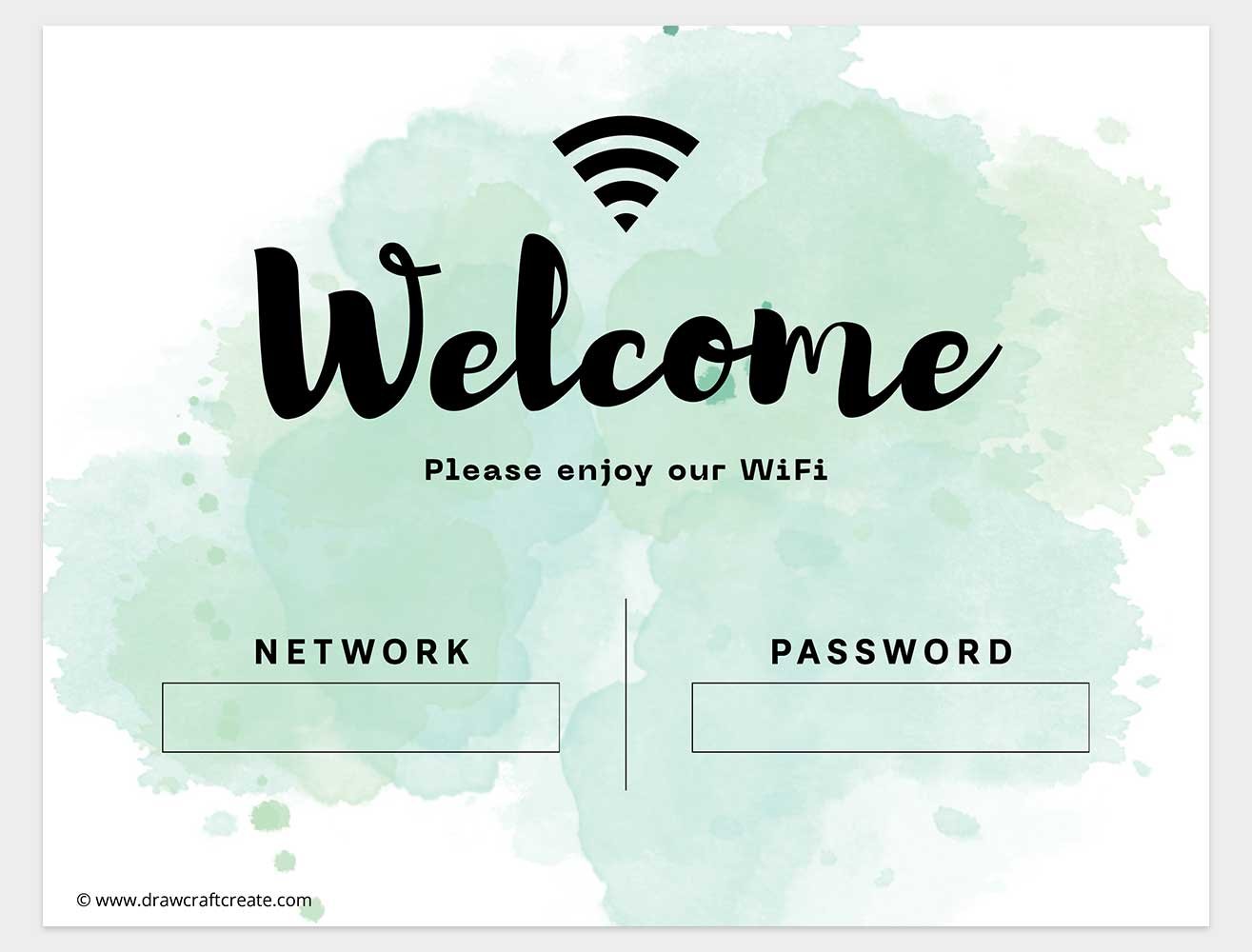
Our landscape collection is ideal for desks, shelves, reception counters, and frames placed horizontally. These WiFi Password Signs are clean, easy to read, and designed to look professional without being boring.
In the landscape version, you will find two options for every design.
One option includes a Canva editable link, allowing you to customize the WiFi network name and password digitally. This is especially helpful if you want a polished look for offices, cafes, or guest rooms.
The second option is a First Wifi Password Signs pdf style with blank fields. You can print it instantly and write your network details by hand. This works great for temporary setups, events, or places where passwords change frequently.
Landscape Wifi Password Signs are perfect for places where people approach from a distance and need clear visibility at first glance.
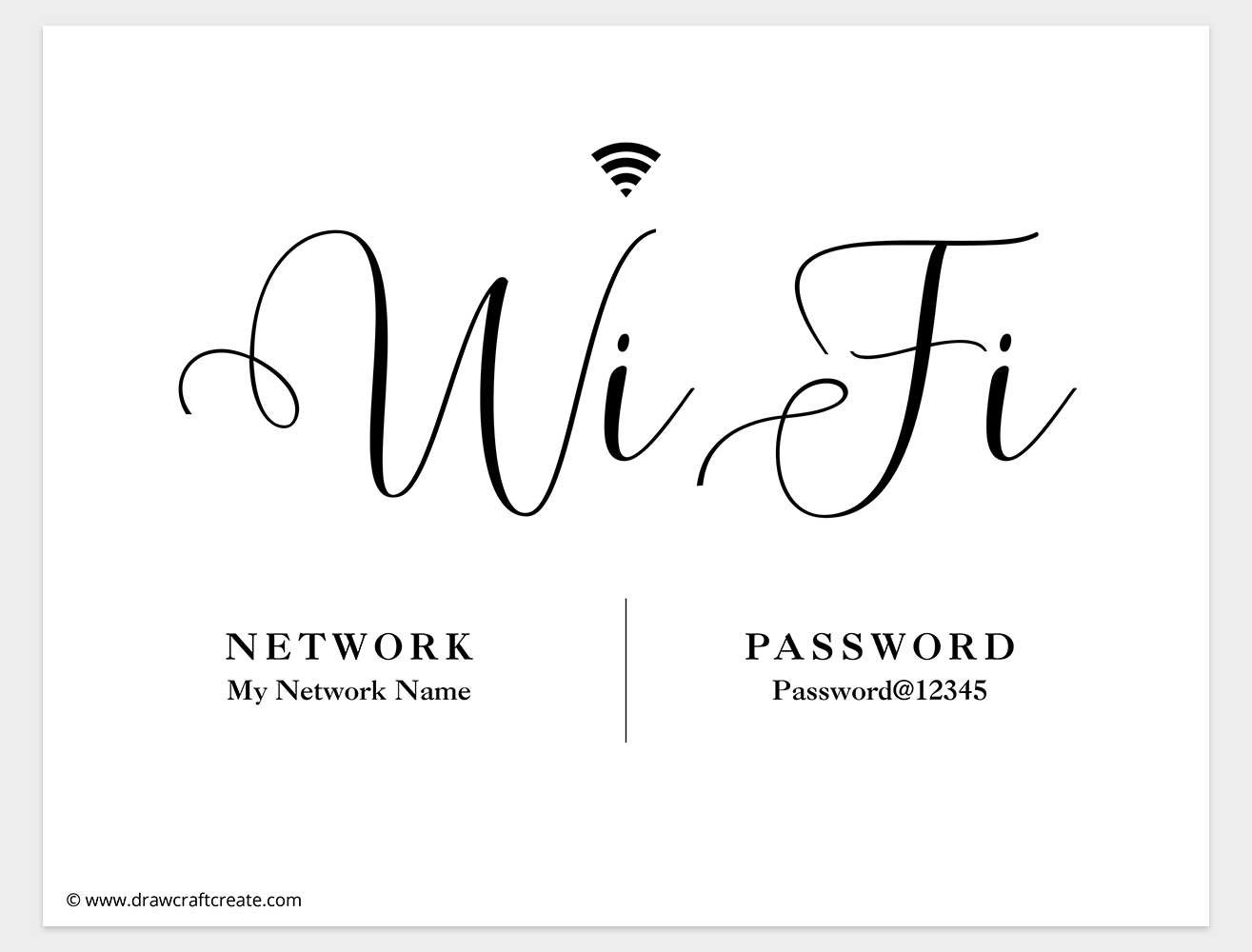
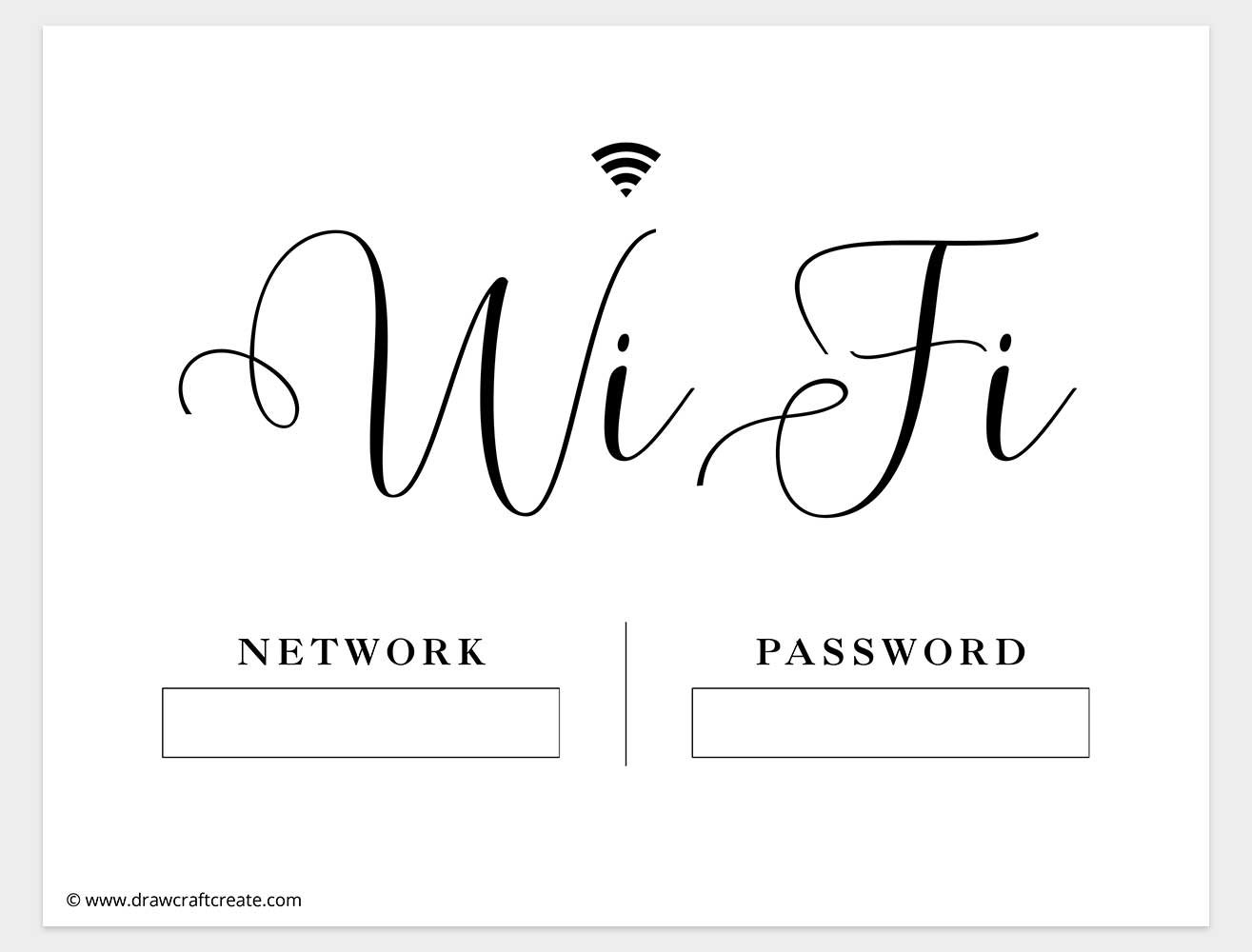
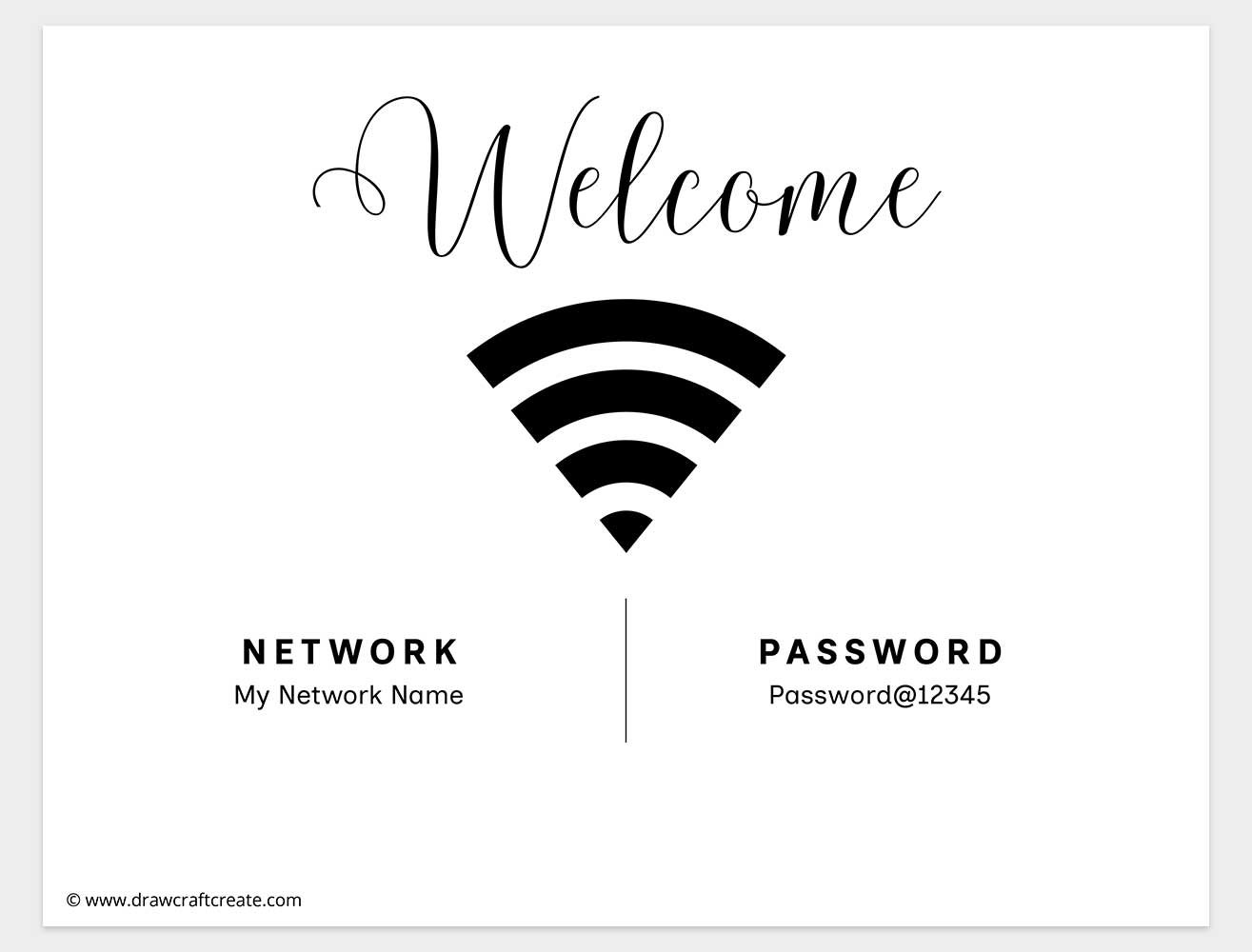
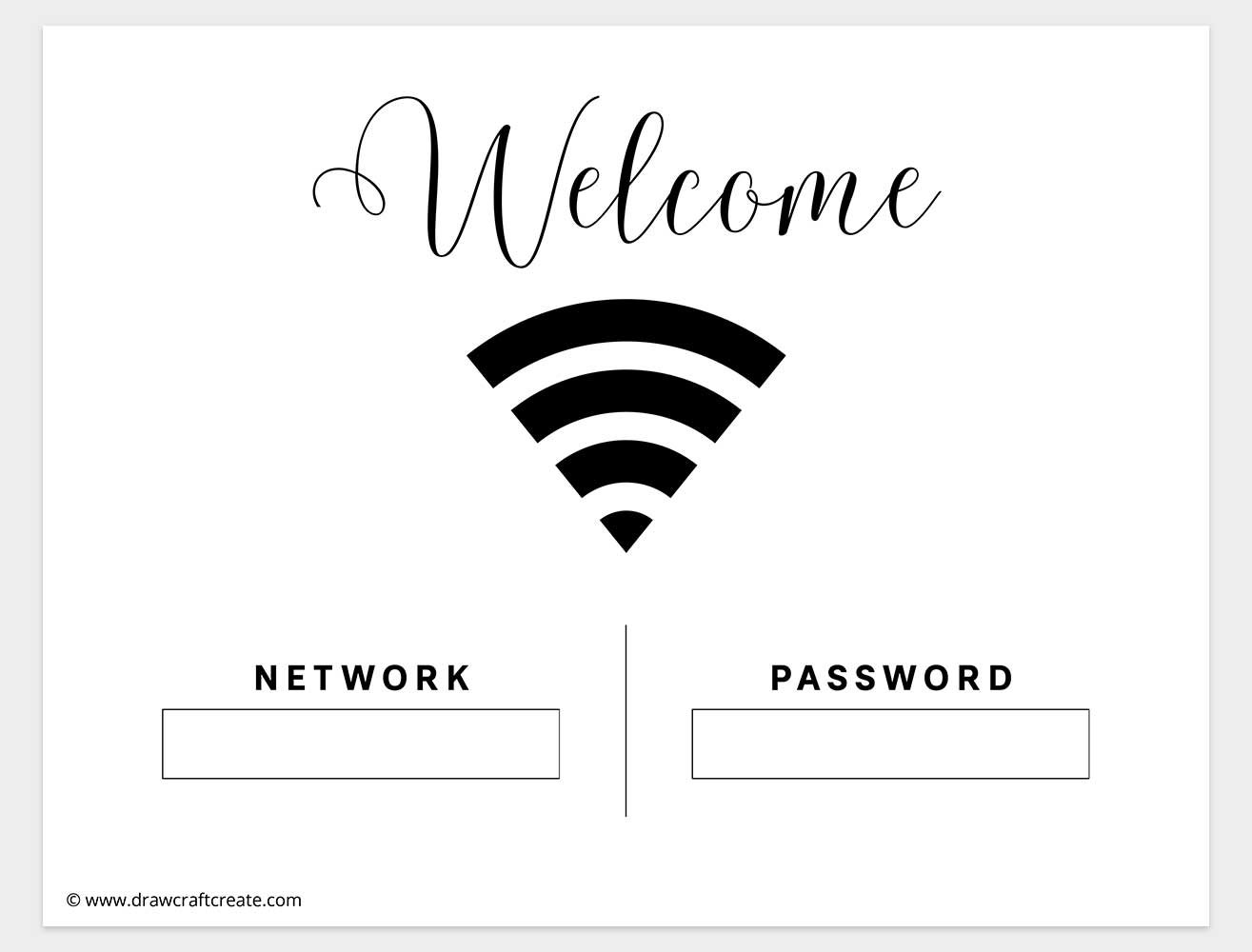
Printable WiFi Password Signs (Vertical Version)
If you prefer a more modern or minimal look, the vertical designs are a great choice. These Wifi Password Signs are perfect for wall frames, notice boards, entry tables, or standing displays.
Just like the landscape set, each vertical design comes in two formats.
You get an Editable Wifi Password Sign in Canva for easy customization, plus a printable pdf version with blank boxes for handwritten details.
The vertical layout works especially well in small spaces because it takes up less horizontal room while still keeping the WiFi details readable and organized. Many users love this format for home entryways, Airbnb listings, and classroom walls.
Why Need Printable WiFi Sing
A printable Wifi Password Sign saves time and avoids repeated questions. Instead of spelling out your password again and again, guests can simply look at the sign and connect instantly.
It also keeps things neat. Writing passwords on scraps of paper or telling everyone verbally can look unorganized. A printed sign feels intentional and professional.
For businesses, it improves customer experience. Cafes, salons, and waiting rooms benefit from clearly displayed WiFi details. For homes, it helps guests feel welcome without needing to ask.
Teachers and office managers also find Wifi Password Signs helpful for shared spaces. They pair well with other printable resources like a First day of school sign, Last Day of school sing, All About Me sheets, or even a Pantry Label Template for overall organization and consistency.
Conclusion
Our free collection of Wifi Password Signs is designed to be practical, stylish, and easy to use. With 16 different designs, landscape and vertical options, Canva editable files, and printable pdf versions, you can choose exactly what fits your space and needs.
Whether you want a polished digital look or a simple handwritten setup, these signs make sharing your WiFi effortless. Download your favorite design, customize it your way, and enjoy a clutter free, guest friendly experience every day.
